




Winairlines App
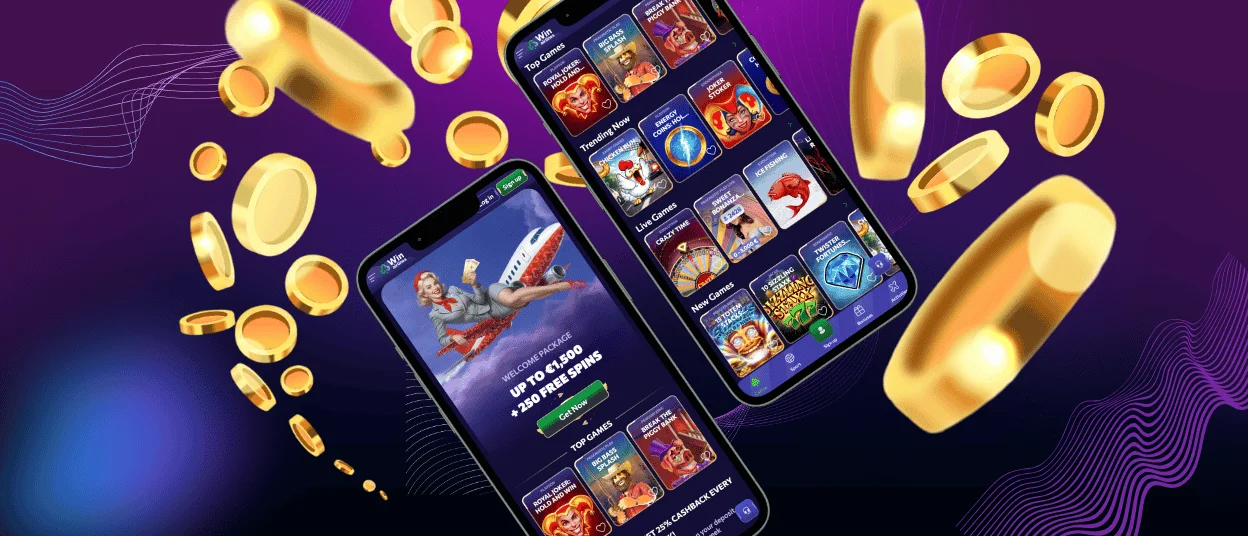
With the Winairlines app, you’ll never have to worry about the hassles and inconveniences of using the website on the go. We’ve specifically developed it to include all features from the web version while adding new, useful ones. For example, on mobile devices, you have access to native full-screen mode and Face ID login. All games in the mobile casino are also optimized for various gadgets. The application is available for download on iOS and Android platforms, as well as on computers running macOS and Windows. Installation is quick and a breeze.



What You Can Do in the Win Airlines App
You have a great opportunity to play games while traveling or on a business trip with the Winairlines Casino mobile software. You don’t have to get off the couch and sit down at a table to unwind after work by playing.
Some sections, such as crash titles, are a perfect fit for the idea of portable gaming. Sessions last 30–60 seconds; the game is fully optimized for smartphones and doesn’t require a specific strategy, allowing you to play on the go without losing touch with reality. Also, by logging into your profile, you can set up push notifications so you don’t miss any important promotions or events in the Winairlines app.
Benefits and Features of the Winairlines App
Many users are already accustomed to using the web version of Win Airlines Casino. But there are plenty of advantages that will make you consider downloading the app to your device.
First and foremost, we use PWA technology, which lets you download our software directly from the website without using third-party resources or app stores. This ensures added security throughout the process. Additionally, thanks to our technology, the Winairlines app takes up significantly less space than similar apps and downloads quickly, even with a slow internet connection.
How to Install the App on Mobile Devices
Installing the Winairlines app on your device is a snap. But first, you need to make sure your gadget meets the minimum requirements, such as the operating system version. If your device doesn’t meet the criteria, games may not work as expected and may lag. You’ll also need to register on the platform and go through the verification process to play for real money. The installation process varies slightly by device. Below, we’ll go into more detail about the procedure for gadgets running different operating systems.
Winairlines App for Android
For Android phones and tablets, the installation procedure is as follows. Open your browser and go to the official Winairlines Casino website. Next, open the menu and select the “Add to Home Screen” option. Then, enter a name for the shortcut or leave it as is, and confirm the installation. The icon will appear on your screen shortly. You can then launch the application and begin your journey on the Win Airlines platform.
Mobile Application for iOS
The process for installing the Winairlines app on iOS devices is almost identical to the previous one. If you use an iPad or iPhone, you don’t need to visit the App Store, since the software is based on PWA technology; all you need to do is open Safari or any other browser you prefer. To download our app to your gadget, follow these simple steps:
- Navigate to the Winairlines website using your preferred browser.
- To continue, tap the “Share” button at the bottom of the screen.
- Click on the “Add to home screen” option.
- Name the app whatever you like and confirm.
Play Win Airlines Casino on Mac or Windows
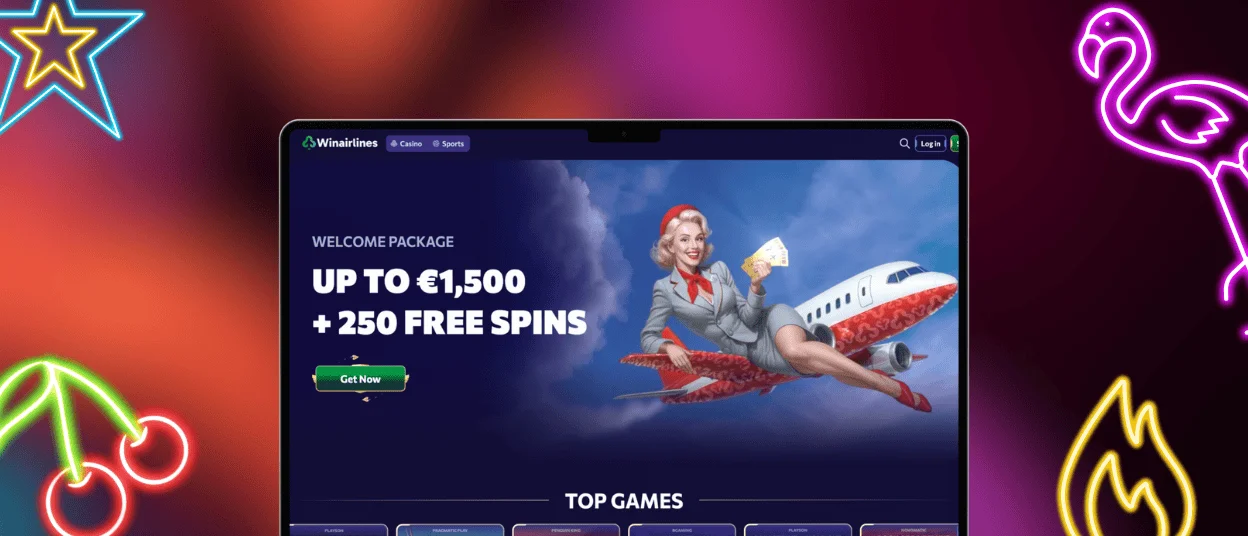
It might seem like there isn’t much point in using Winairlines Casino on Windows and macOS computers. But in reality, it offers quite a few advantages that you definitely shouldn’t overlook. You can play games in full-screen mode without any distracting windows or toolbars, unlike the web version. Besides that, browser notifications, alerts from the Win Airlines app reach you directly, and you can easily customize them to your liking and keep only the ones you prefer. On top of all that, all games launch much faster and are better optimized.
Is the Winairlines App Safe?
Security measures used by the Win Airlines app are the same as those on our desktop platform. TLS 1.3 encryption and HTTPS protocols safeguard all data transmissions. To prevent unauthorized access, we also use Web Application Firewalls and real-time monitoring. We advise against using public Wi-Fi networks when logging in to your account. These may heighten the risk of data interception. To stay safe, use a private internet connection and turn on two-factor authentication for your profile.
| Security Method | What It Does |
| 256-bit AES Encryption | Scrambles your data, making it unreadable to scammers |
| DDoS Protection | Blocks malicious traffic before it reaches our servers |
| Intrusion Detection Systems (IDS/IPS) | Monitors network activity and stops suspicious behavior |
| PCI-DSS Compliance | Ensures secure processing of all payment transactions |
| Independent RNG Testing (eCOGRA, iTech Labs) | Verifies game fairness through third-party audits |
FAQ
Will my games and statistics update across devices?
Yes, all your activity on the Winairlines platform, including your transaction history, your favorites tab, and everything else, is instantly synced across devices, as your data is securely stored on our servers.
Can I switch between light and dark mode in the app?
Yes, you can easily do this in the settings of your Win Airlines Casino profile. You can also change your username, preferred currency, and much more.
What should I do if the app crashes or freezes?
If you’re experiencing issues with the Winairlines app, first check whether your device meets recommended hardware requirements. If the problem lies elsewhere, please contact our support team via our 24/7 live chat or email us.


